Settings
Customize your On Book Pro experience.
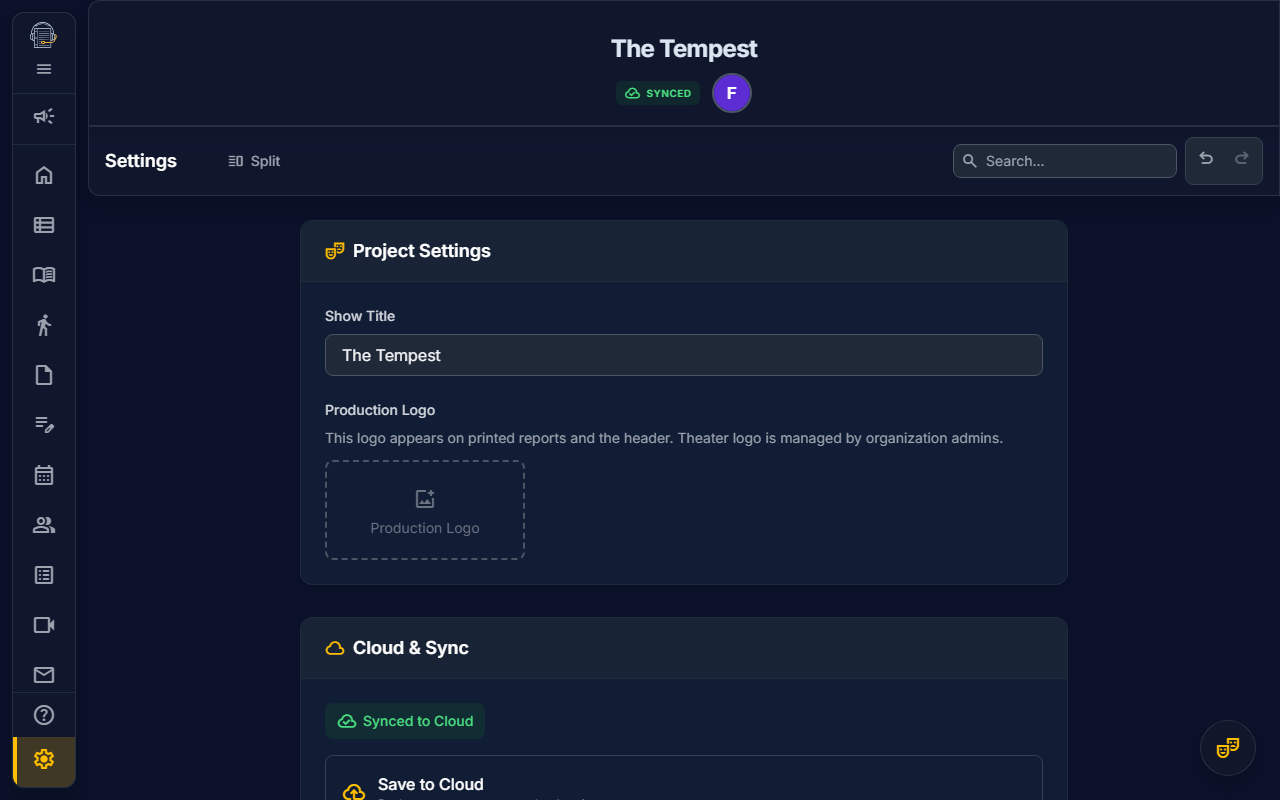
Overview
The Settings panel lets you configure user preferences, notification options, and project-level settings (for authorized users).
Accessing Settings
Click the gear icon in the sidebar or use keyboard shortcut Ctrl+, (Cmd+, on Mac).
User Preferences
Theme
- System — Match your OS light/dark setting
- Light — Always light mode
- Dark — Always dark mode
Sidebar Behavior
- Collapsed by default — Start with sidebar minimized
- Remember state — Restore last sidebar position
Keyboard Shortcuts
View and customize available shortcuts. See Keyboard Shortcuts for the full list.
Notification Settings
Control how you're notified:
| Notification Type | Options |
|---|---|
| @Mentions | Email, In-app, None |
| Deadline Reminders | Email, In-app, None |
| Schedule Changes | Email, In-app, None |
| Announcements | Email, In-app, None |
TIP
In-app notifications appear as a badge on the bell icon and in the notification panel.
Project Settings (Admins Only)
If you're a project Owner or Production Manager, you'll see additional settings:
General
- Project Name — Display name for the production
- Currency — Used for budget displays (USD, EUR, GBP, etc.)
- Time Zone — Default for scheduling
Integrations
- Freesound API — For sound library search
- AI Features — Enable/disable script analysis
Danger Zone
- Archive Project — Hide from active projects list
- Delete Project — Permanently remove all data
DANGER
Deleting a project cannot be undone. All data, files, and history will be permanently lost.
Syncing Preferences
Your user preferences sync across all your projects. Project settings are specific to each production.
See also: Admin Portal • Keyboard Shortcuts